Bloxi
Author
1535623008 ago
You could do that, but it would be rather difficult to execute it especially constantly.
0
what if you were able to do it so that when you press some emotes or one of the F(1-10) that you are able to do cuts of the dance in its GIF form?? or is that not possible
0
no problem dude you could have been used ezgif to make the sprite sheet.
0
Bloxi
Author
1531912529 ago
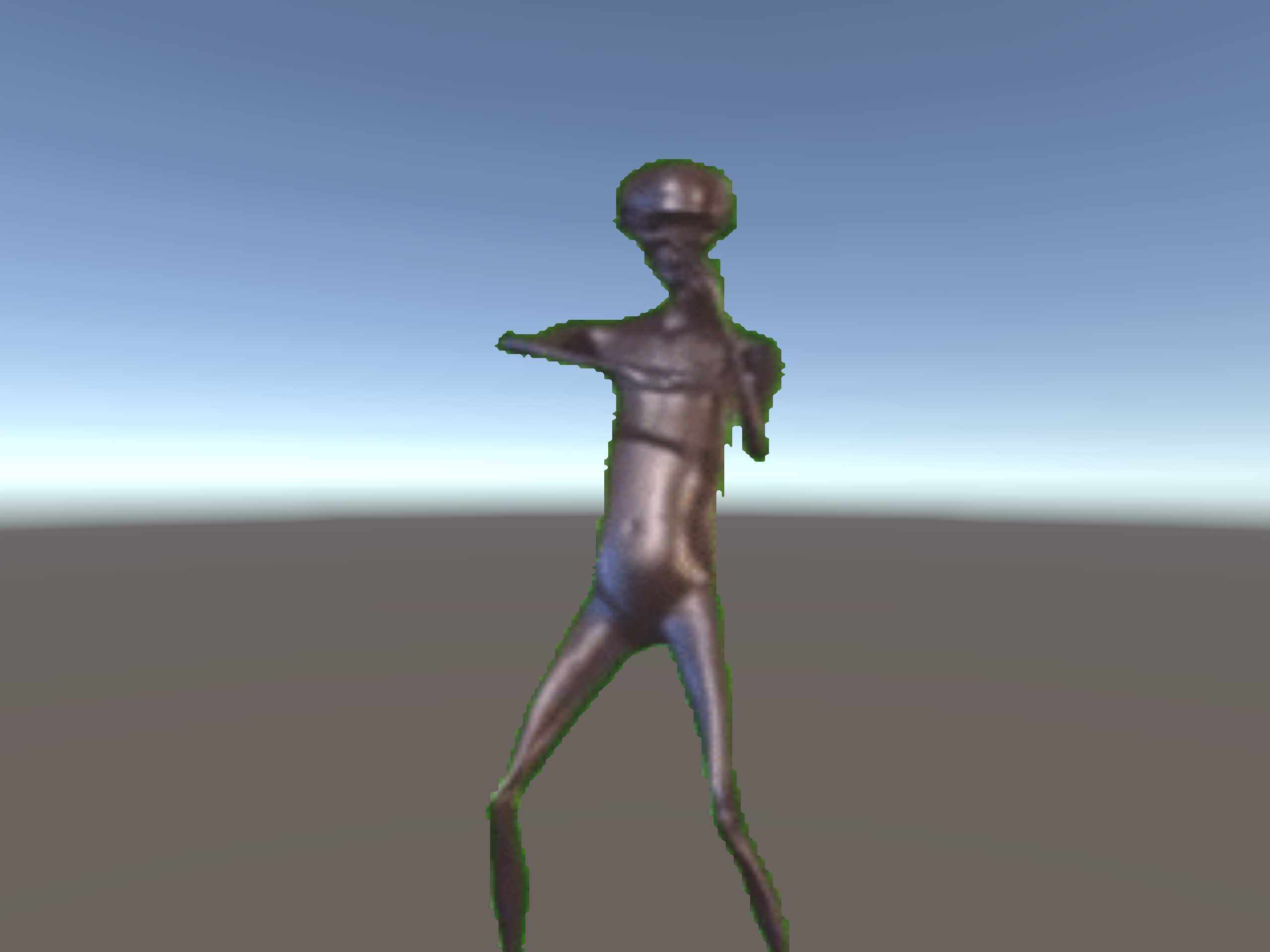
It'd be difficult to make him do a full dance with my current knowledge of Unity because of the maximum size of the image, it would be blurry and compressed because of the amount of frames in the full dance making the full animation too big for Unity to handle! You're free to find an alternative to this model, but I decided to upload this anyways because I haven't seen any like it.
0
he isn't doing the full dance
0
Hey man do you have a discord i can message you on or something so you can help me out? ik i seem useless, my bad XD
0
Bloxi
Author
1531898931 ago
Click the "Harold" (shoujld be howard) scene and it should automatically fix your problem for you, if it doesn't follow the instructions below and I'll try to fix the unity package.You need to use Custom/SurfaceSpriteSheet shaders which came with the unitypackage, not Cubed Unity Shaders. If it's still pink drag the "Harold Texture.png" (should be howard lol) file onto the Front and back of the model. The shader settings should look like this: https://i.imgur.com/X6EqSPm.png. The texture file itself should look like this in your import settings (https://i.imgur.com/hduE3gD.png). Again remember to use Custom/SurfaceSpritSheet and turn your smoothness and metallic to 0 so it doesn't look shiny. If you have any more problems tell me, I'll try to export it again differently so this doesn't happen again.
0
Wait can someone help me out? Im trying to get the model but its purple when i load the scene. i cant find the textures that i need to fix this, i already have the cubed shaders in and im just kinda stuck
0
im confused what is his real name Harold or howard, some people call him howard but then some call him harold hmmmmm
0
I was just thinking about how I wanted this guy for VR the other day. thank you. now I just need the 3d version
0