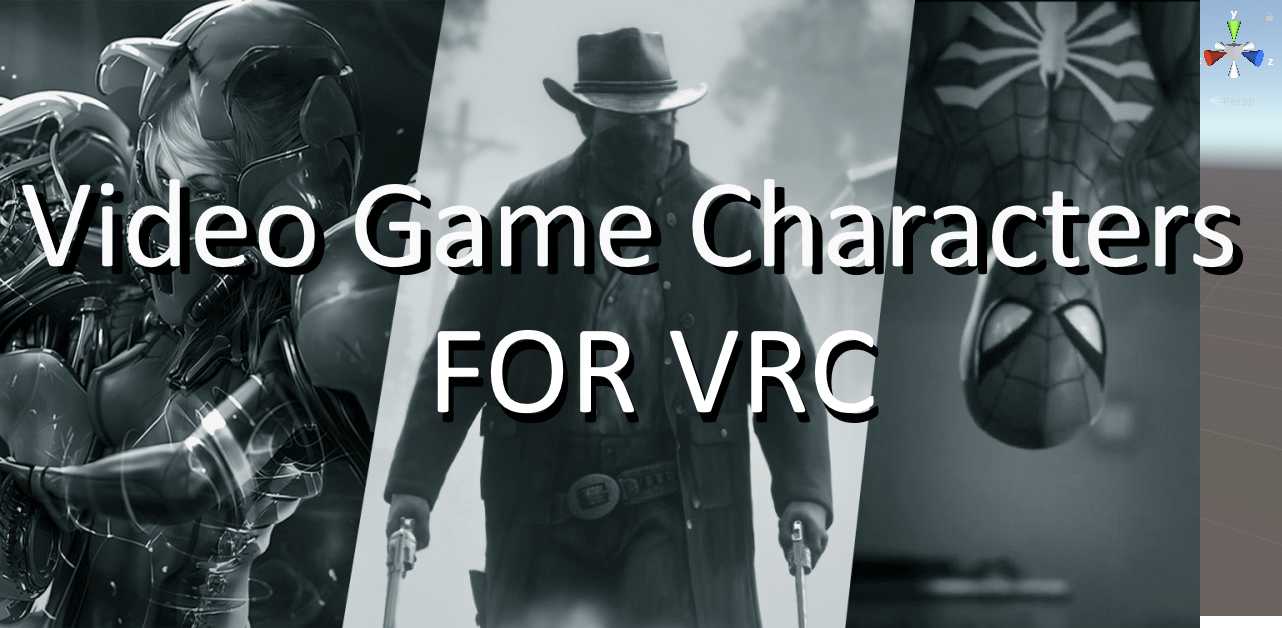
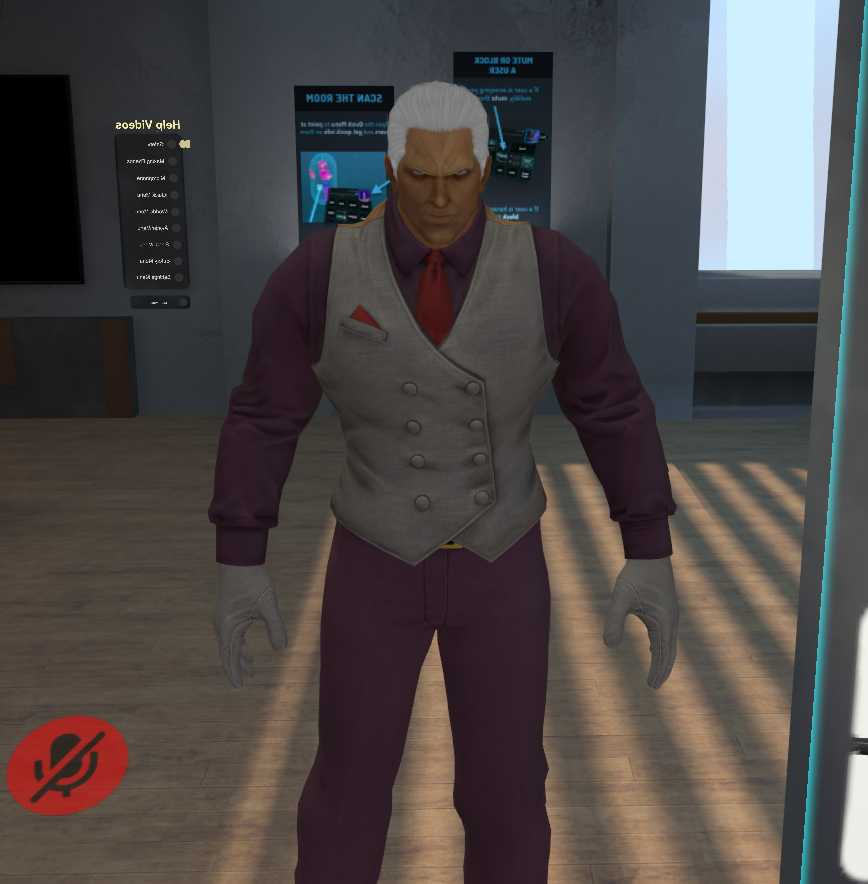
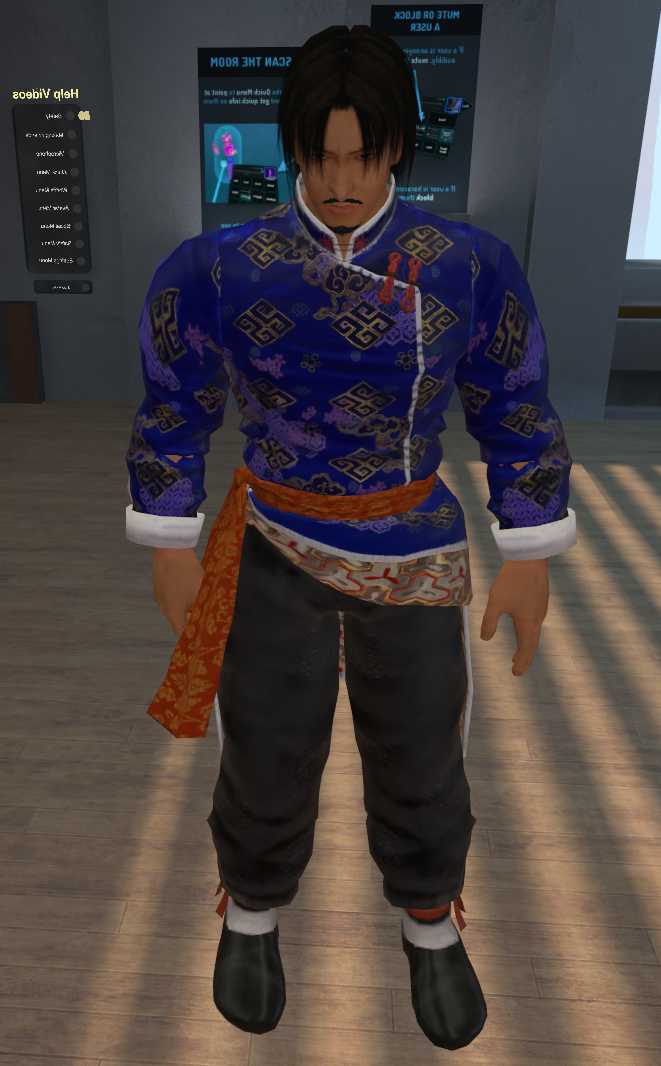
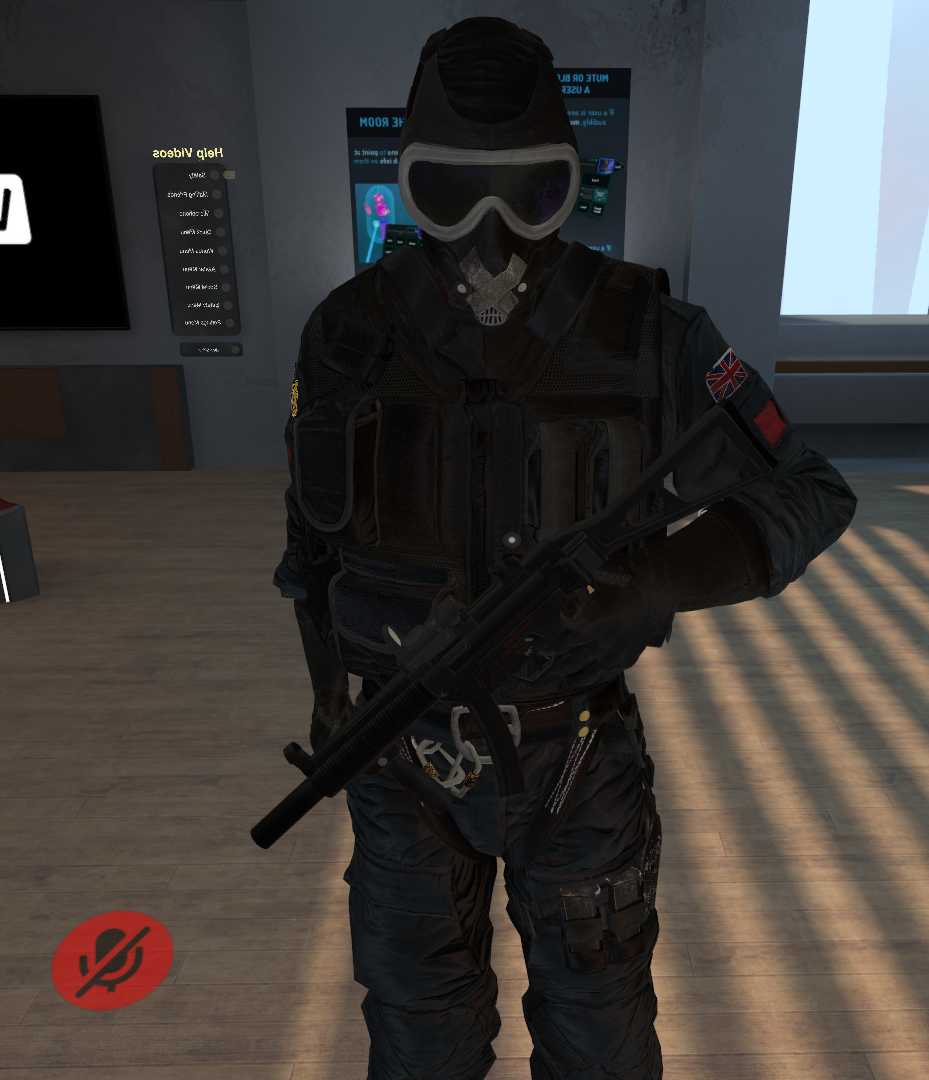
Video Game Characters pt1 (LINKS IN Description!!!)
Back to full item page
#2
A quick check that you are a person keeps downloads free. Once it is done, the download button unlocks.
5 of 5 free downloads left today.
Sign up to get 100 downloads per day for free.
Want more like this?
Sign in to follow and get alerts
All downloads
3 files for this item
ago
Updated ago
File: 3327
Size: 18.3 MB
Type: unitypackage
3D Model
8.2k Polygons
12 Materials
87 Bones
26 Blendshapes
23.8 MB Textures
Rig & mesh
Humanoid Rig
Facial Blendshapes
Blendshapes
Generic Rig
Dynamics
Spring Bones
Physics Colliders
Content
Source Files
Animation Clips
Audio
Custom Shaders
Prefabs
Animator Controllers
Scenes
Realtime Lights
C# Scripts
Textures
Models
SD_unitychan_generic.fbx
SD_unitychan_humanoid.fbx
SD_unitychan_motion_humanoid.fbx
SD_unitychan_motion_Generic.fbx
Shaders used
CubedParadox/Flat Lit Toon
CubedParadox/Simple Gradient Sky
CubedParadox/Unit Shadowed
Custom/AlphaMask
UnityChan/Blush - Transparent
UnityChan/Clothing
UnityChan/Clothing - Double-sided
UnityChan/Eye
UnityChan/Eye - Transparent
UnityChan/Eyelash - Transparent
UnityChan/Hair
UnityChan/Hair - Double-sided
UnityChan/Skin
UnityChan/Skin - Transparent
Measured automatically from the uploaded package. Performance ranks are an estimate of VRChat's own rating.
How to install
- Open your project in the Unity version VRChat supports. The VRChat Creator Companion sets this up.
- Import the .unitypackage with Assets, Import Package, Custom Package.
- Find the imported prefab or scene in the Project window.
- Drag the prefab into your scene or onto your avatar, then Build & Test.