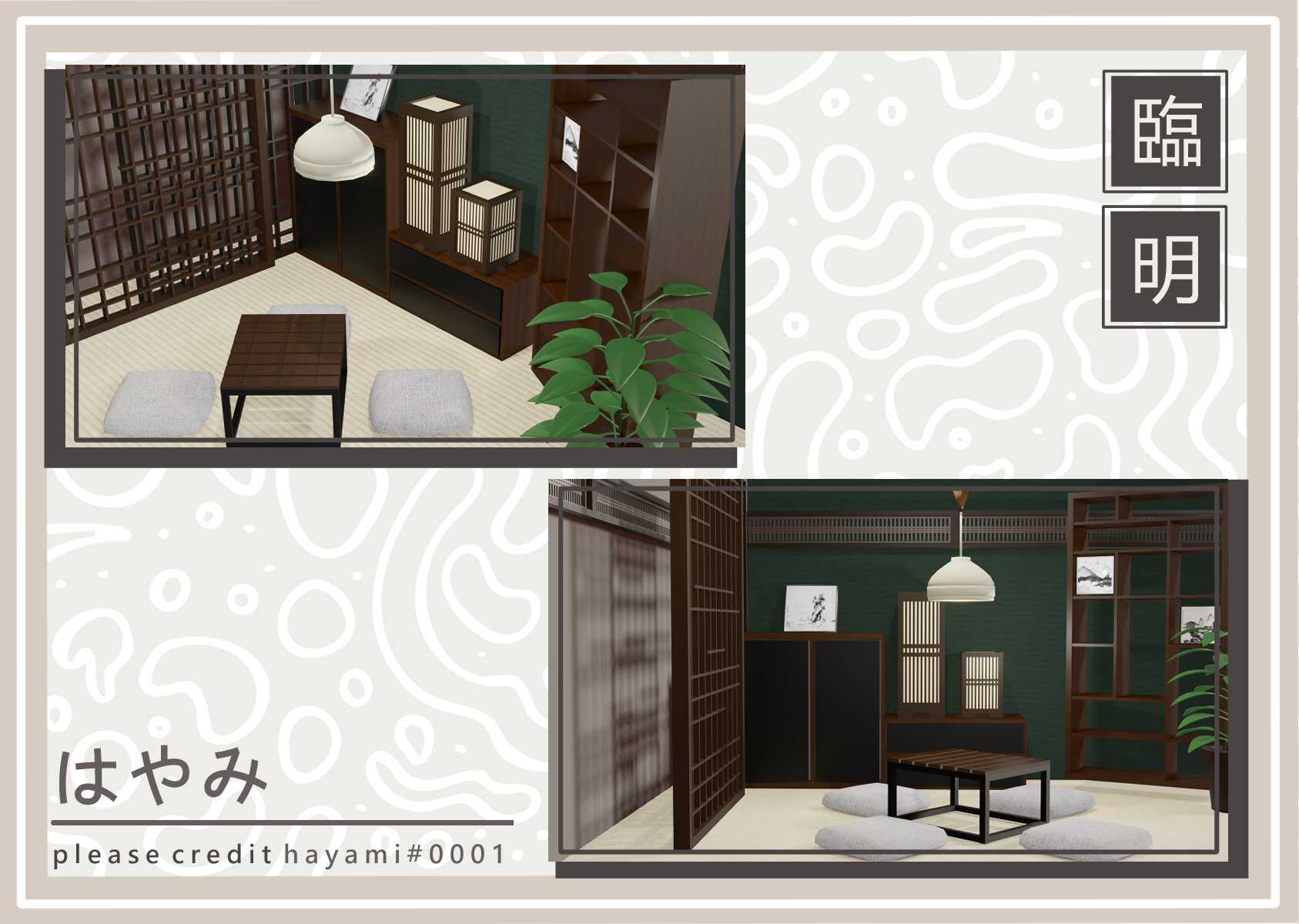
Chiaki Furniture Set
Back to full item page
#1
A quick check that you are a person keeps downloads free. Once it is done, the download button unlocks.
5 of 5 free downloads left today.
Sign up to get 100 downloads per day for free.
Want more like this?
Sign in to follow and get alerts
All downloads
2 files for this item
ago
Updated ago
File: 9981
Size: 138.9 KB
Type: unitypackage
3D Model
4.3k Polygons
46 KB Textures
Rig & mesh
Generic Rig
Content
Textures
Models
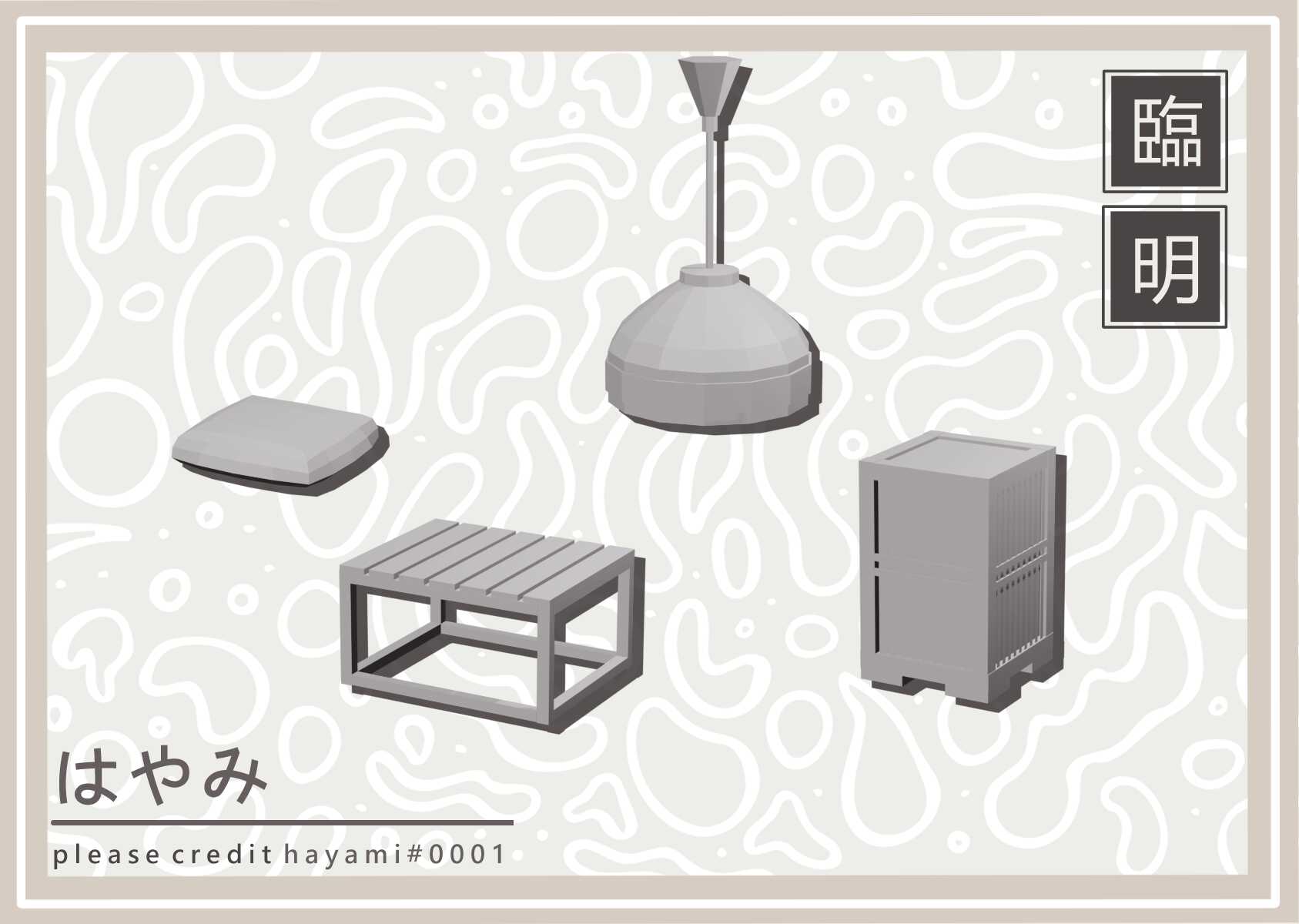
(CHK) Ceiling Light.fbx
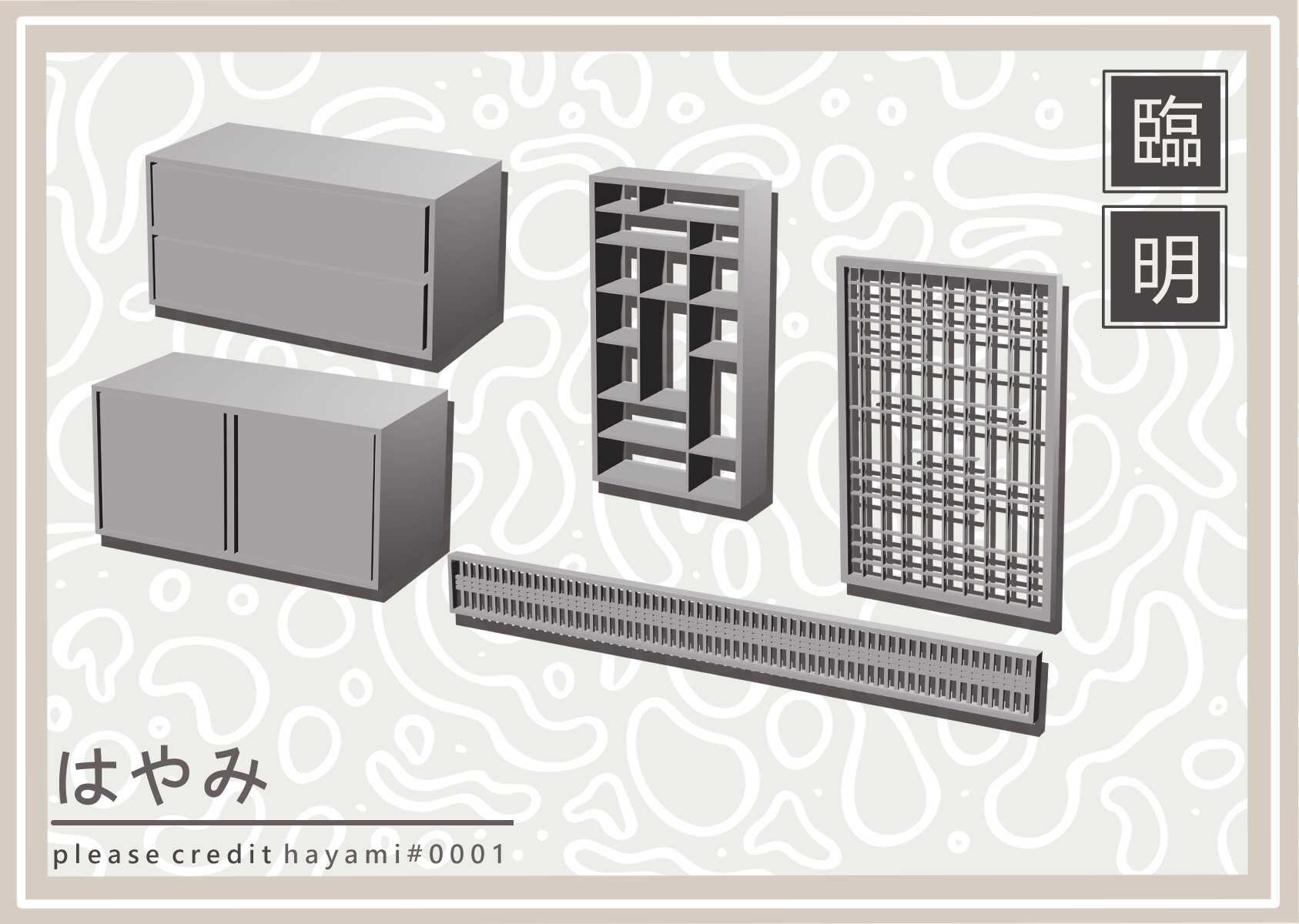
(CHK) Wall Design.fbx
(CHK) Long Lantern.fbx
(CHK) Room Divider.fbx
(CHK) Small Table.fbx
(CHK) Floor Cushion.fbx
(CHK) Bookshelf.fbx
(CHK) Double Square Cabinet.fbx
(CHK) Double Long Cabinets.fbx
Measured automatically from the uploaded package. Performance ranks are an estimate of VRChat's own rating.
How to install
- Open your project in the Unity version VRChat supports. The VRChat Creator Companion sets this up.
- Import the .unitypackage with Assets, Import Package, Custom Package.
- Find the imported prefab or scene in the Project window.
- Drag the prefab into your scene or onto your avatar, then Build & Test.