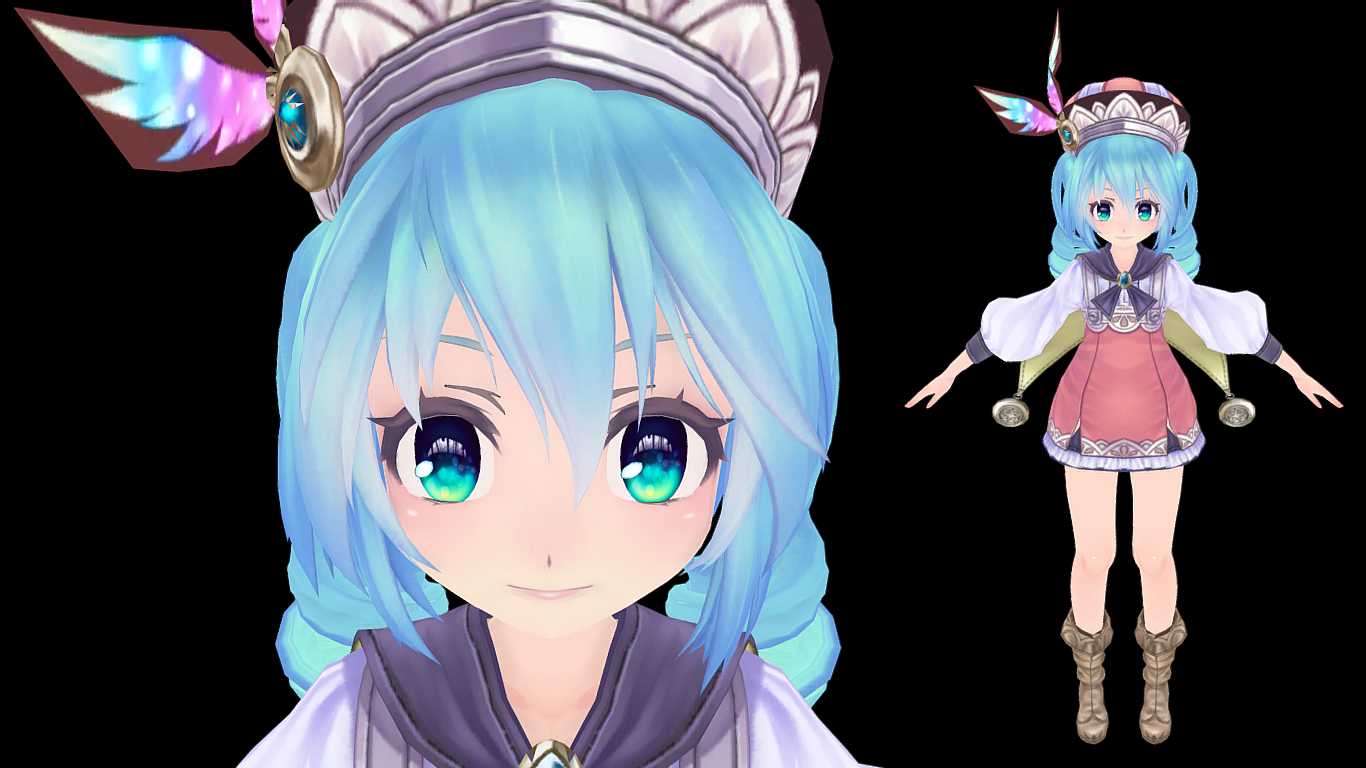
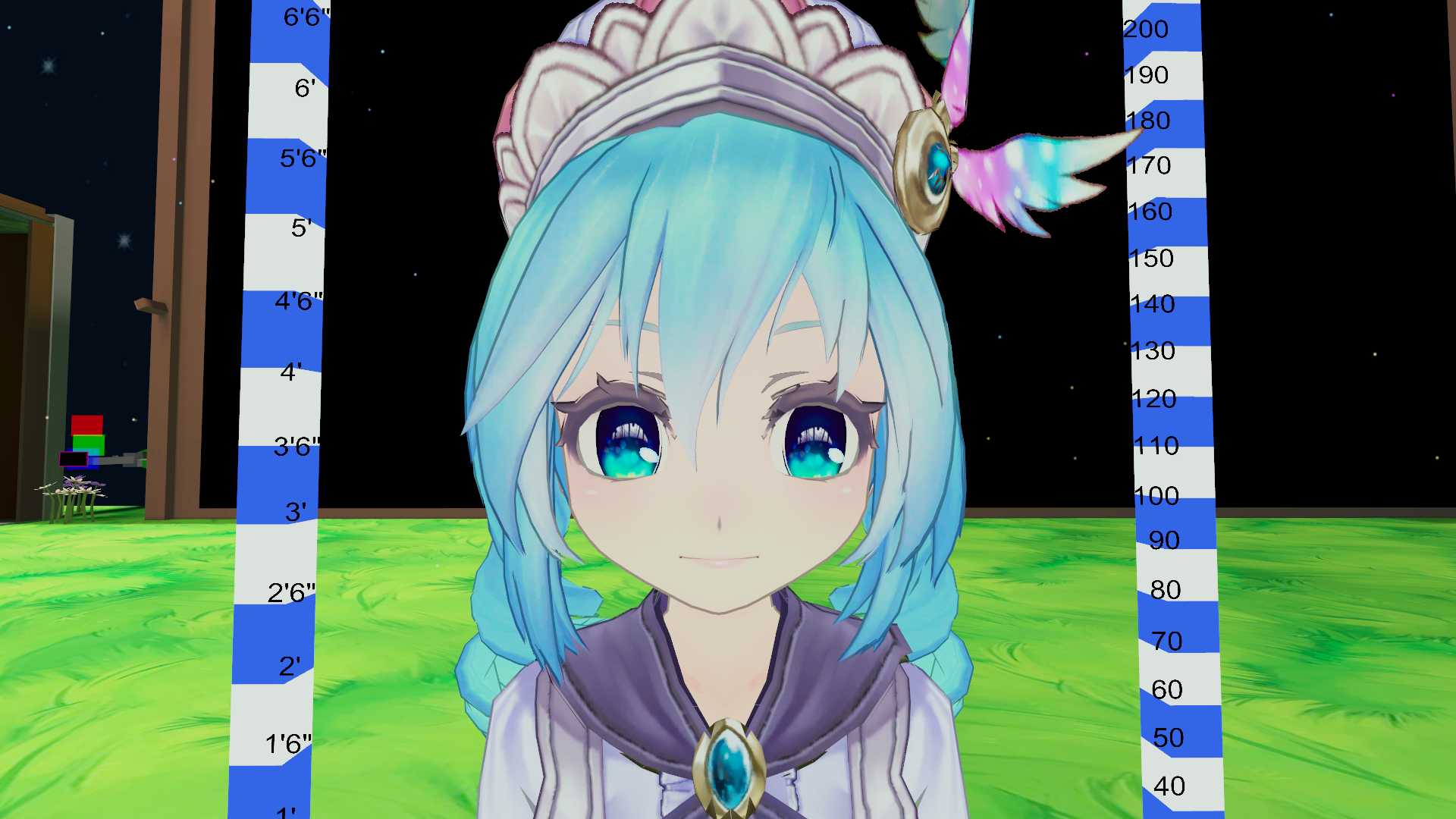
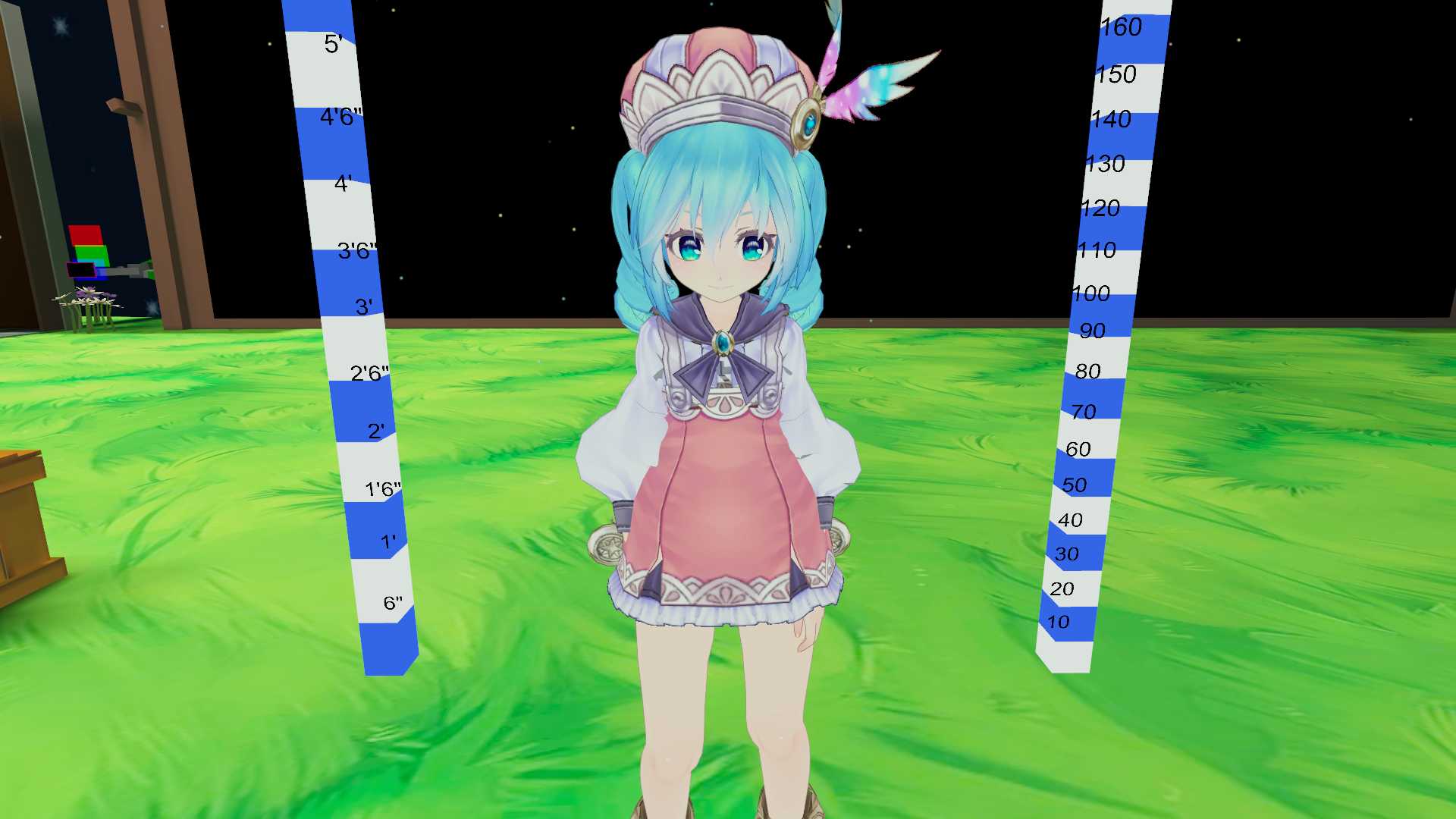
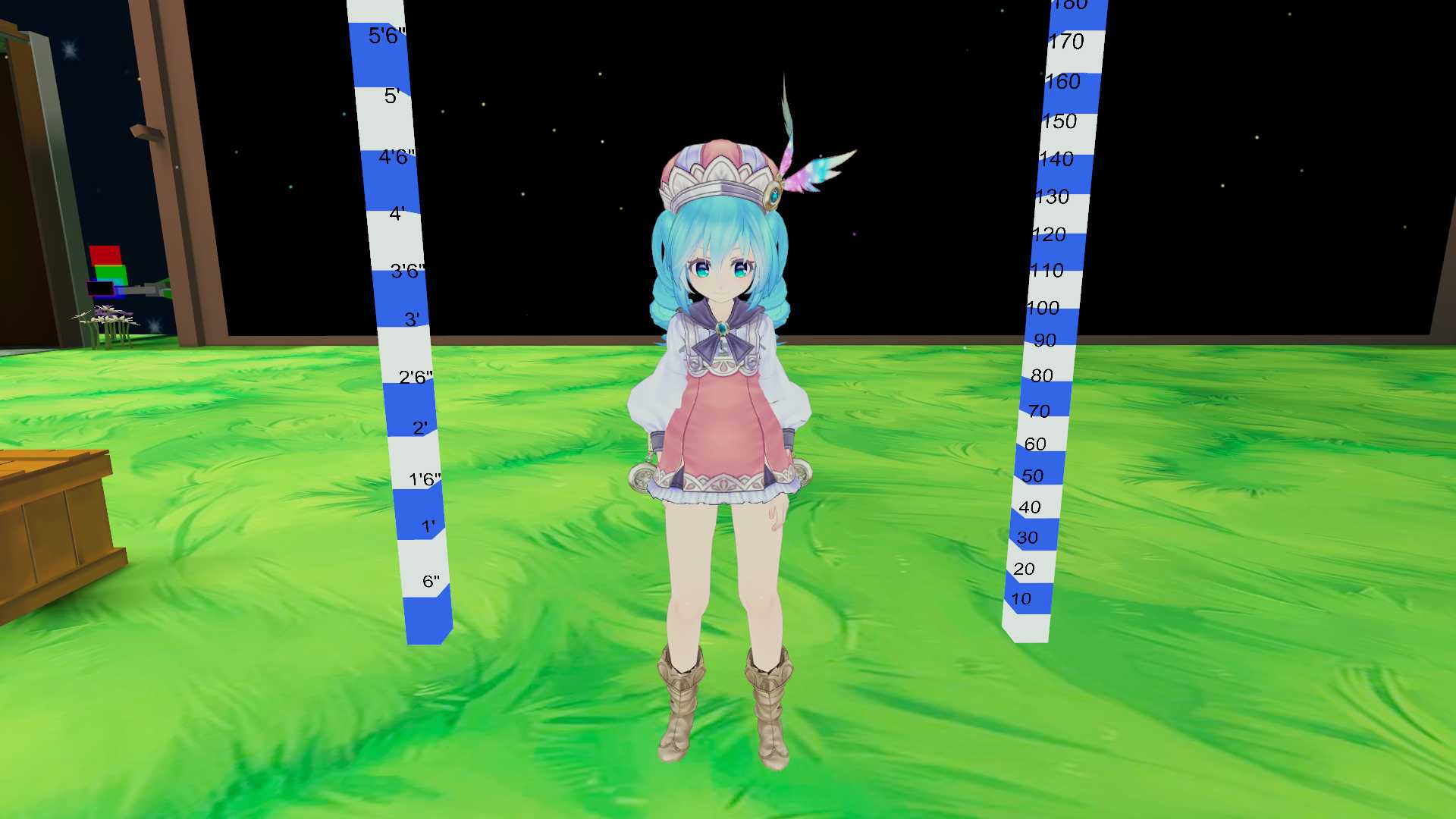
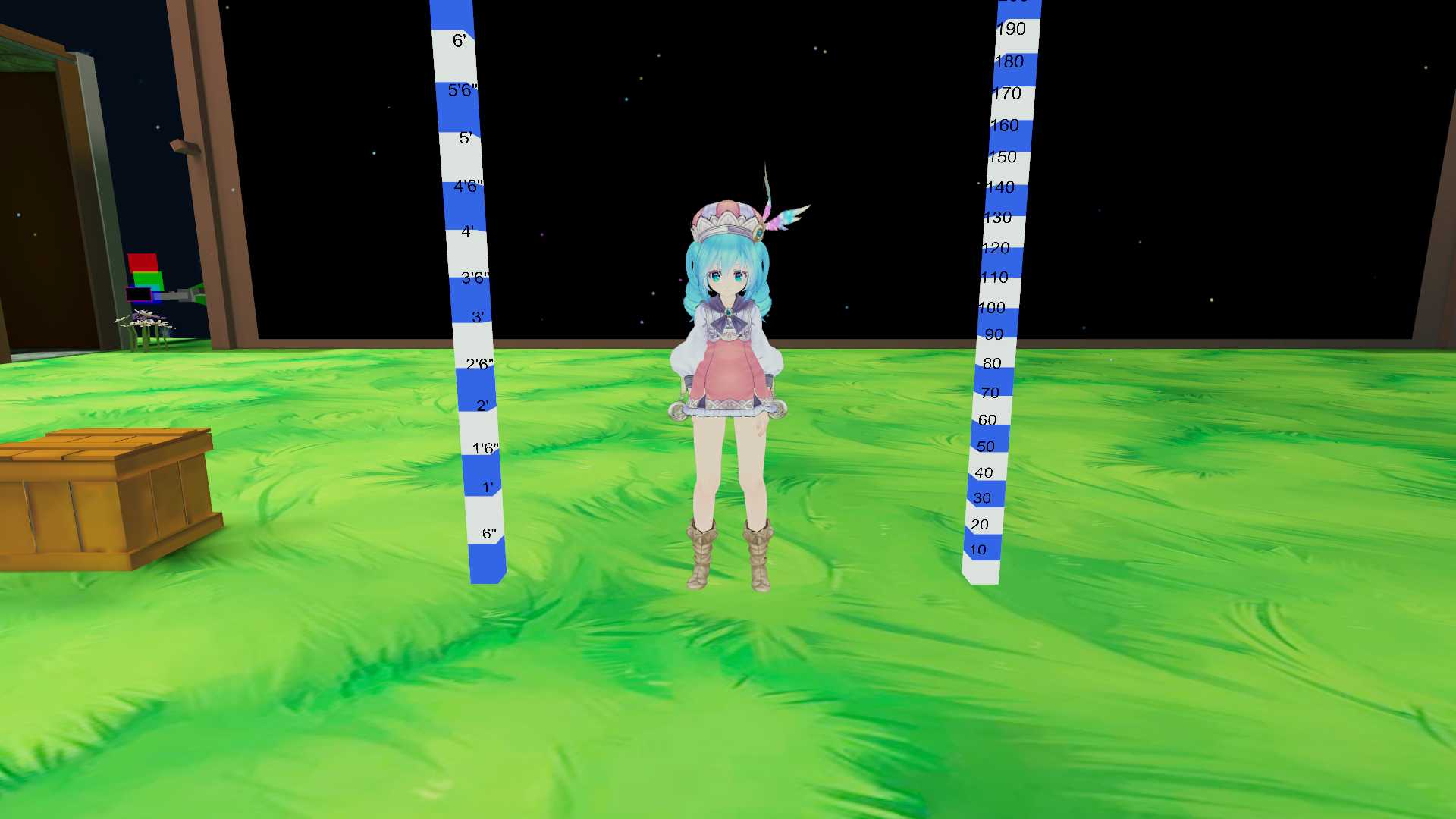
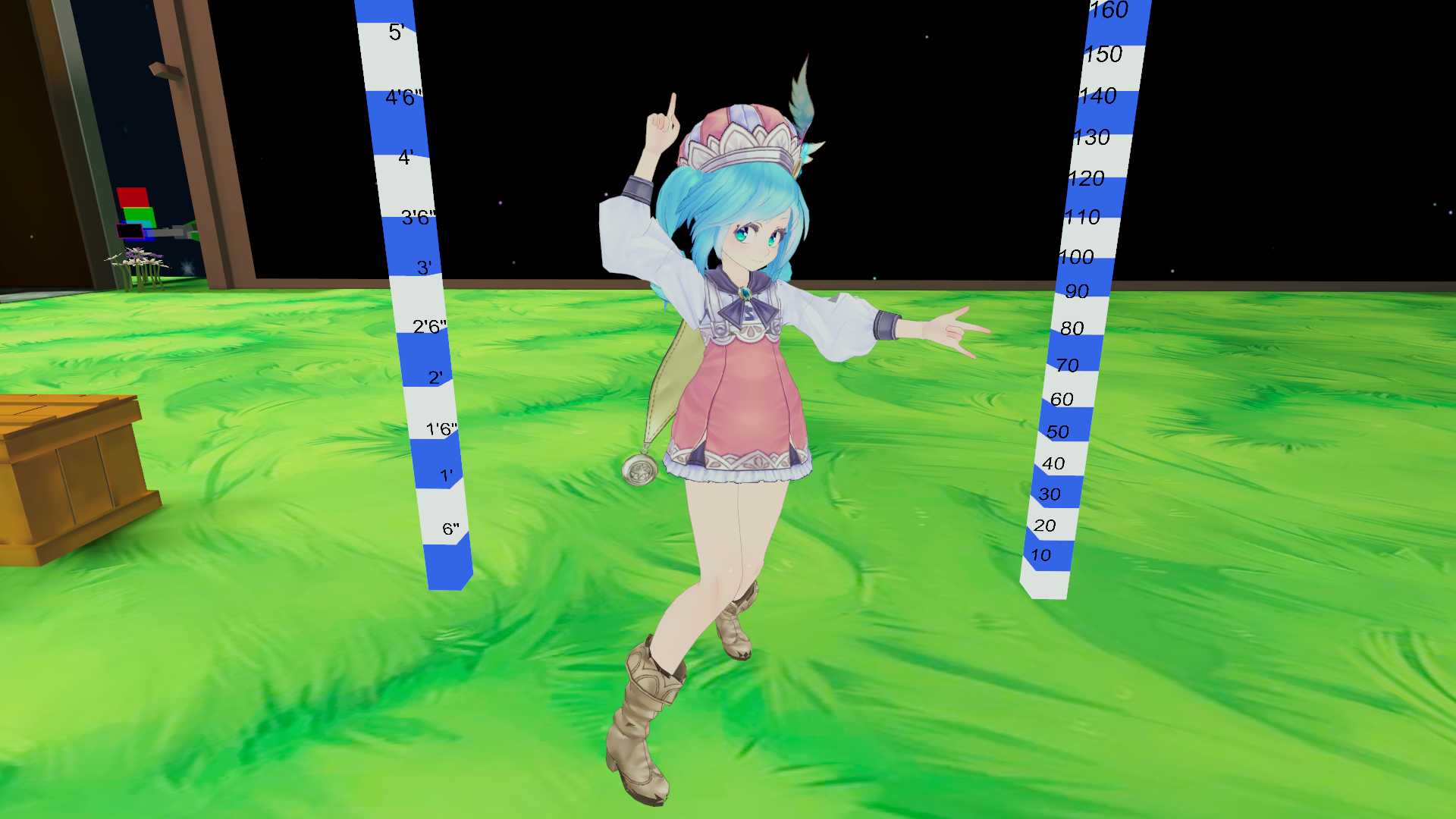
She doesn't have: - hand gestures. - sitting emotes.
How to install: 1- Be sure you have Cubed's Unity Shaders and the latest SDK. 2- Open Unity. 3- Open (Little Magical Miku) file and Import. 4- In Unity go to Avatar/Little Magical Miku and open the file (Open me). 5- Login on your VRChat account and Upload it.
good job on rigging and adding the rest of the features and thank you for your work!, btw theres seem like a hole on the models chest it isnt noticeable at first but if you look closely theres a hole, anyway thanks again!
Become a Part of the Leading VR Modeling & VRChat Network
Ready to immerse yourself in the exciting world of VRChat and 3D assets? At VRCMods, we're not just a community, we're a vibrant network of creators, innovators, and enthusiasts. Connect with fellow VRChat enthusiasts, access top-tier avatar commission services, comprehensive tutorials, and enjoy a wealth of free downloads — all with regular updates to keep you on the cutting edge.
Create a free account to skip ad checks, leave comments, heart your favorites, follow uploaders, and get notified about new uploads.