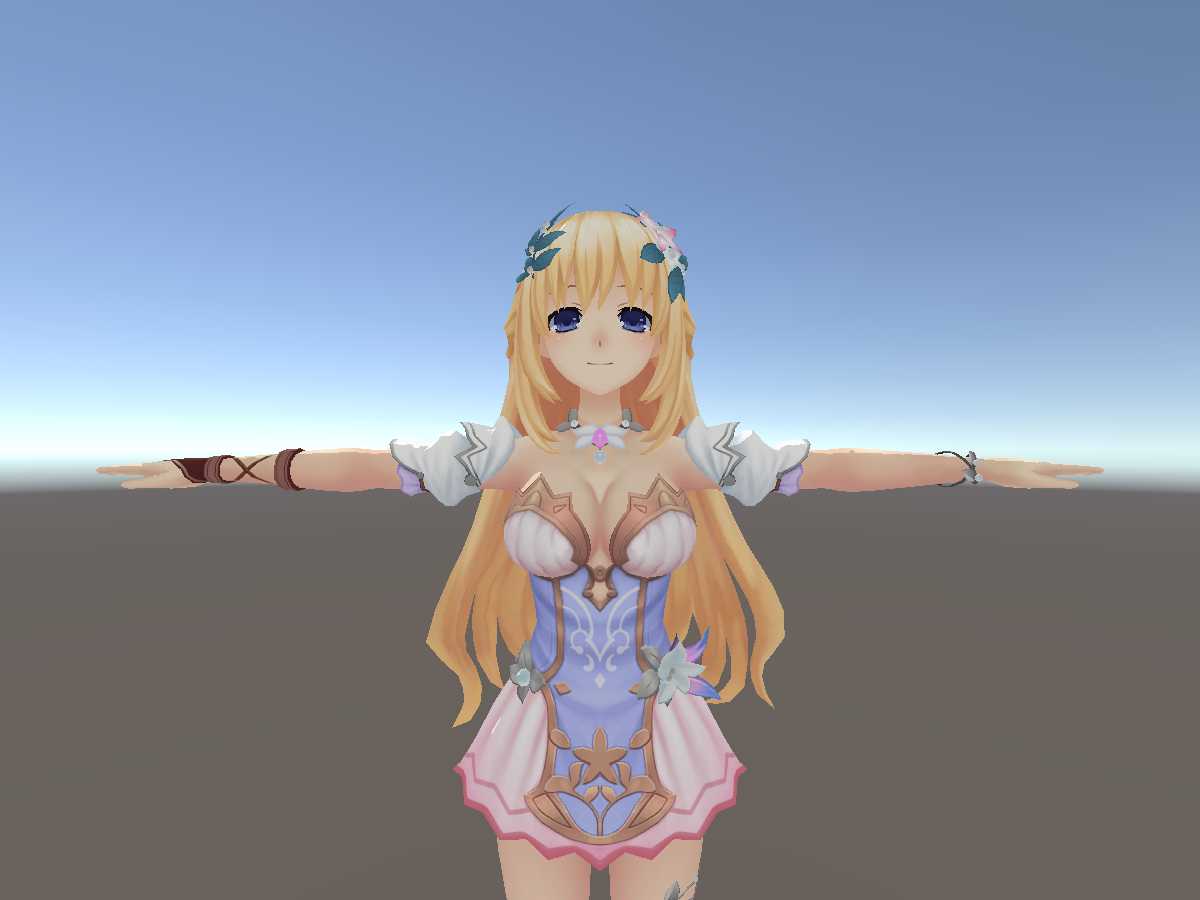
Cute girl M.3
Download
You can upload this avatar to VRChat See tutorial
Description
File Tree
Loading file tree...




Comments
I guess not...
0I guess not...
0Can I have the Pmx file? :)
0thank you for the model she so cute
0@Reihai That's why you would use an emission map to only apply emission to the eyes. Is no need for separate materials. Basically, make a duplicate of the face texture, and edit it so that everything except the eyes or desired glowing parts are pure black. Then place that texture into the emission slot. Alternatively, just select and change the hue of the eye in any free image editor such as GIMP, and replace the normal texture.
0the eyes are attached to the face so it wouldn't look good
0Just put an emission with an eye texture of your choice over the original eye. Then to change the color of the eye change the emission color.
0would be nice to have eye color changing
0